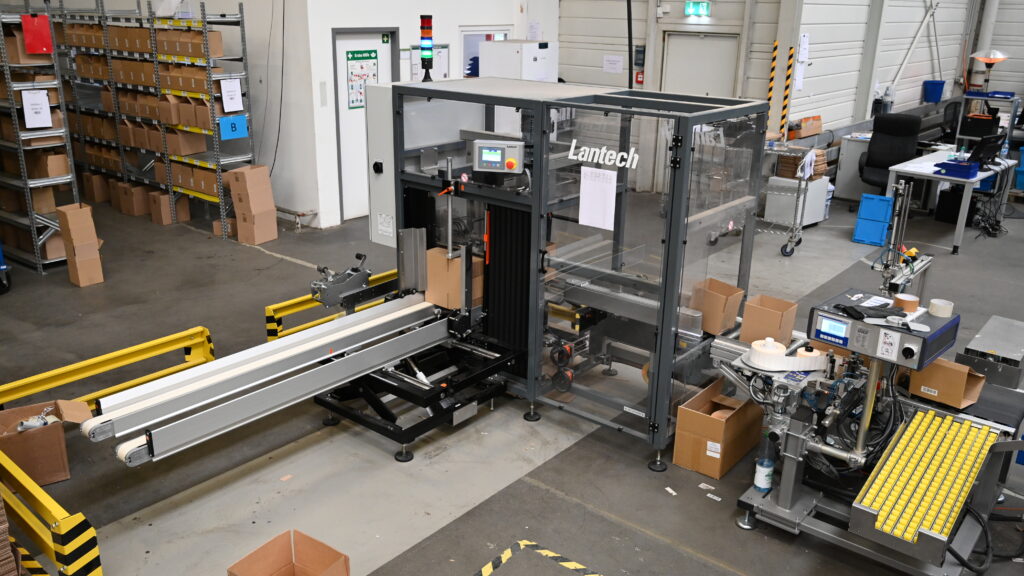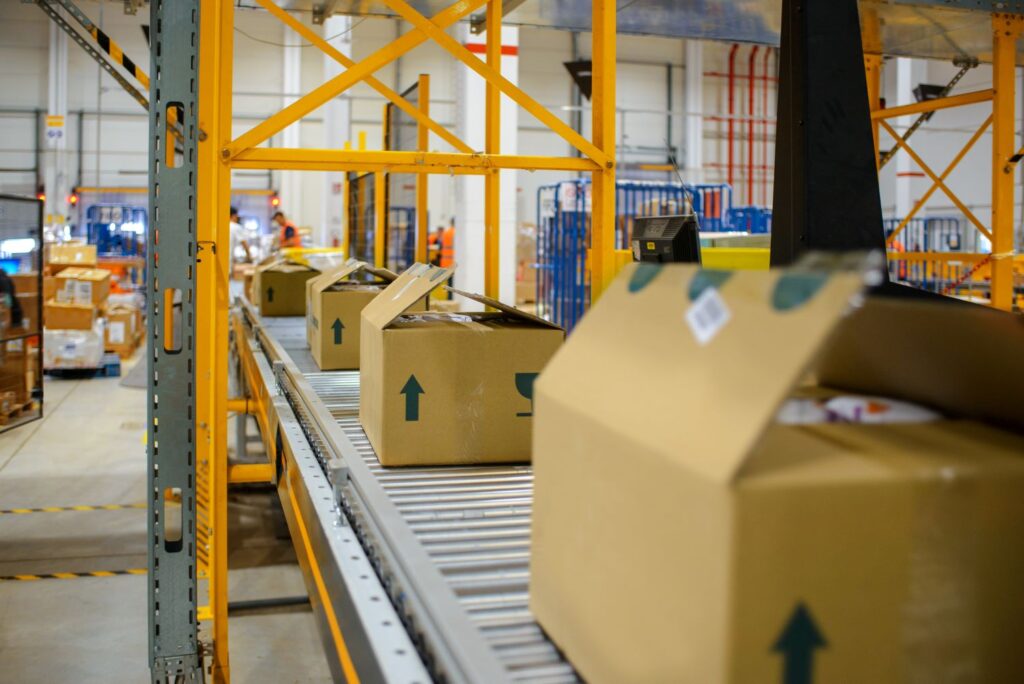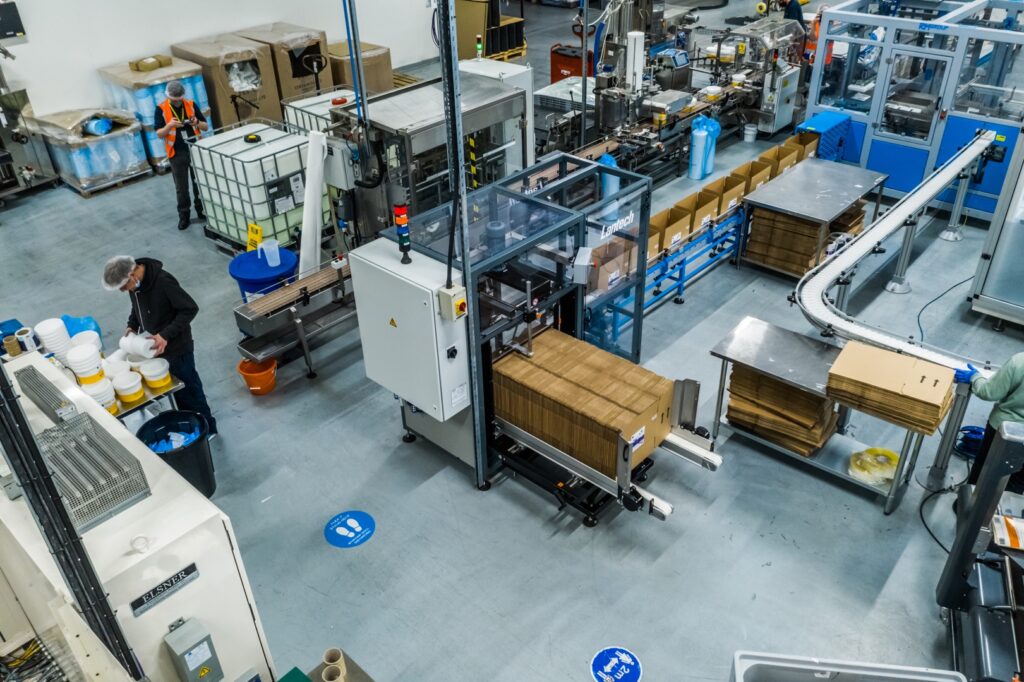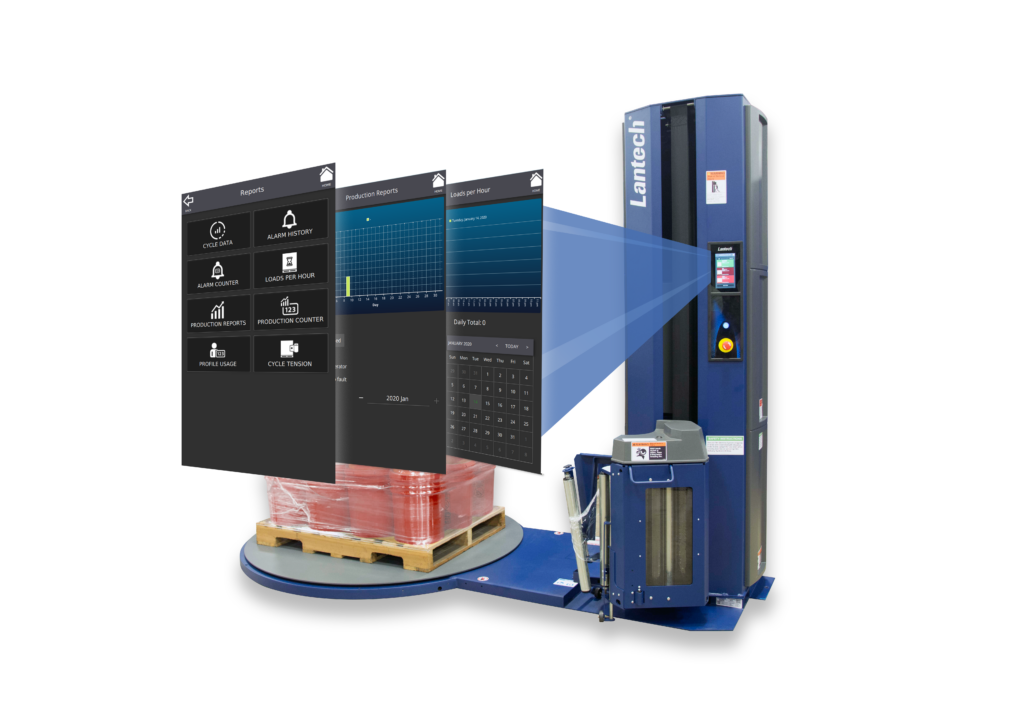
For many operations and packaging managers, the idea of adding automation is immediately followed by a familiar concern: We don’t have the floor space. This perception is especially common when evaluating a case erector. The image of a large, complex machine requiring a dedicated production hall still lingers across many small and medium-sized facilities.
In reality, limited space is one of the most common — and most solvable — barriers to case erector adoption. With thoughtful layout evaluation, smarter use of existing space, and compact equipment designs, installing a case erector in limited space is not only possible, it is often the most efficient use of space available.
This article explains how companies can successfully integrate a case erector even when space is tight. It explores how to assess your current layout, how to reorganize manual operations to free up room for automation, and how compact integration strategies can deliver measurable productivity and ROI gains in small and medium facilities.
Contents
- Why space matters when installing a case erector
- Assessing your available space
- How to optimize the space you already have
- Integration strategies for small and medium facilities
- The business value of a case erector in limited space
- Conclusion
- FAQs
Why Space Matters When Installing a Case Erector
Space is consistently the most cited hesitation when companies consider a case erector — often even ahead of cost or changeover concerns. Operations teams frequently assume that automation requires adding square footage, relocating entire lines, or disrupting existing production.
Three misconceptions tend to dominate early conversations:
- A case erector requires more floor space than manual case forming
- Automation inevitably introduces complex layouts and fixed installations
- Multiple case sizes always require larger machines with multiple magazines
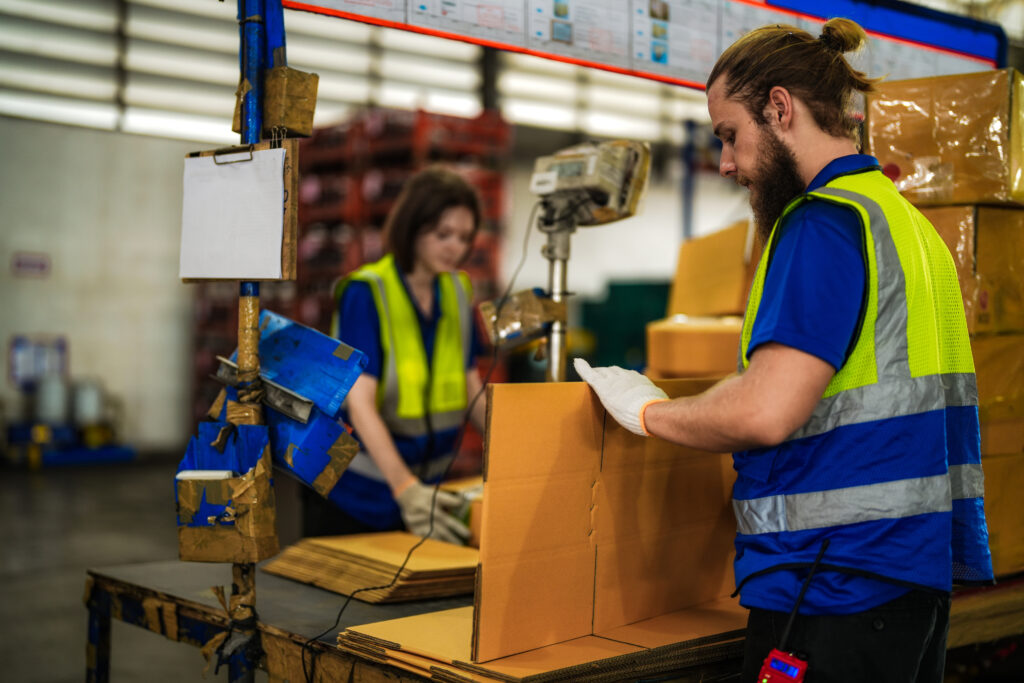
In practice, manual case forming often consumes more usable footprint than a compact case erector ever will. Two to three operators building cases by hand typically occupy:
- A large assembly table (commonly around 4 ft × 8 ft)
- Case blank storage
- Walking and handling space
- Stacked finished cases staged for downstream operations
When these elements are mapped accurately, the combined footprint often matches or exceeds the footprint of a modern compact case erector. What feels like “free space” in many facilities is actually an inefficient manual process spread across disconnected zones.
Limited space does not block automation — unmanaged space does.
Assessing Your Available Space
Before evaluating specific compact case erector solutions, facilities should begin with a practical assessment of what they truly have versus what they think they need.
What You Think You Need vs. What You Actually Need
Many floor plans overestimate space constraints because they only consider open floor area while overlooking:
- Operator movement paths
- Temporary carton staging
- Duplicate workstations
- Underutilized vertical space
A proper assessment includes four core elements:
1. Operator Footprint
Each manual operator requires:
- Standing room
- Reach and turning space
- Clear paths for material handling
Two or three people hand-forming cases can extend far beyond the dimensions of the table itself once real movement is accounted for.
2. Case Blank Storage
Case blanks are often:
- Palletized on the floor
- Partially de-palletized onto carts
- Stacked near assembly tables
In many facilities, this storage alone occupies the same footprint as a case erector magazine.
3. Carton Staging
Finished cases from manual forming are frequently:
- Stacked in piles
- Accumulated at the end of tables
- Redistributed across lines
This staging area is rarely recognized as permanent space usage — but it is.
4. Flow Lines and Bottlenecks
Ask one critical question: Where do cases pause before being filled? That pause point consumes space, whether it’s acknowledged on the layout or not.
How to Optimize the Space You Already Have
Once existing space usage is visible, opportunities to restructure often appear quickly. Warehouse layout optimization for packaging does not require expansion — it requires compression and alignment.
A. Vertical Organization
Vertical space is one of the most underutilized assets in packaging areas:
- Install elevated case blank storage above manual stations
- Move supplies upward instead of outward
- Free floor space for continuous-flow automation
By lifting storage off the floor, facilities often recover multiple square meters without changing downstream processes.
B. Clearing Duplicate Processes
Manual operations often develop redundancy over time:
- Two tables performing identical tasks
- Extra staging “just in case”
- Backup storage that becomes permanent
By consolidating duplicated stations into a single automated process, space is reclaimed while throughput increases.
C. Compressing Manual Stations
Manual tables grow over time:
- Added fixtures
- Extra carts
- Temporary stack zones that become permanent
Once a case erector replaces manual forming:
- The table disappears
- Finished case stacks disappear
- Operator walking paths disappear
The result is a compact, fixed footprint with predictable material flow.
D. Merging Steps into One Footprint
A case erector merges several manual steps into one controlled zone:
- Case forming
- Squaring
- Bottom sealing
This consolidation alone often offsets the full machine footprint.
Integration Strategies for Small and Medium Facilities
Modern case erector integration is not limited to long, straight automated lines. Compact layouts allow machines to fit into spaces previously considered unusable.
A. L-Shaped Lines
An L-shaped layout is ideal when:
- The filling line runs along one wall
- The case supply direction needs to turn 90 degrees
Advantages:
- Uses corner space efficiently
- Reduces linear floor demand
- Maintains simple operator visibility
B. U-Shaped Lines
U-shaped lines are common in:
- E-commerce fulfillment centers
- Small-batch manufacturing
Advantages:
- Short walking distances
- One operator can monitor multiple steps
- Compact circulation of cases and products
C. Inline Parallel Solutions
For facilities with:
- Robotics
- Drop packers
- Fully automated downstream equipment
Compact inline machines can be installed directly within existing lines using parallel alignment to avoid extending the total line length.
D. Modular and Mobile Case Erectors
Modular machines can be:
- Wheeled between lines
- Used across different production cells
- Temporarily positioned during peak demand
This flexibility eliminates the need for one permanent installation location and adds operational elasticity without consuming extra floor space.
The Business Value of a Case Erector in Limited Space
When space is constrained, every square foot must justify its value. Few machines deliver more return per unit of floor space than a case erector.
A. Packaging Efficiency Improvement
Manual case forming introduces:
- Variability
- Inconsistent squaring
- Fluctuating production speed
A case erector delivers:
- Consistent throughput
- Controlled sealing quality
- Predictable case supply to downstream packing
This stability allows upstream and downstream processes to be tuned for higher overall equipment effectiveness.
B. Labor Optimization
Two to three manual operators are often reassigned after case erector installation. Those labor hours shift from:
- Repetitive manual forming to
- Value-added packing, inspection, or fulfillment tasks
This labor reallocation frequently drives the fastest return on investment in small warehouse automation case erector projects.
C. Reduced Congestion and Safer Work Zones
Replacing manual stacks and roaming carts with a fixed machine:
- Reduces pedestrian traffic
- Shrinks forklift crossover zones
- Improves overall shop-floor safety
Safety-driven space reduction often unlocks additional layout efficiencies beyond the packaging area alone.
D. Measurable ROI in Small Operations
Even in low- to mid-volume lines, measurable returns typically come from:
- Lower labor costs
- Increased uptime
- Reduced bottlenecks
- Lower scrap from mis-formed cases
See how one company made the switch from manual forming to automation. The solution was so successful that they installed nine other case erectors to duplicate the process and ended up saving $750,000 per year in labor costs. Read the case study here.
Conclusion
Space should never be the reason automation is postponed indefinitely. In many facilities, the space required for manual case forming already exceeds the footprint of a compact case erector — it is simply distributed inefficiently. By rethinking vertical storage, eliminating duplicates, compressing workstations, and selecting space-saving packaging automation layouts, companies consistently integrate automation without expanding their building.
A case erector does far more than save labor. It stabilizes flow, improves packaging quality, increases safety, and delivers measurable returns even in the smallest operations.
For organizations facing growing demand, rising labor costs, or tighter delivery timelines, the question is no longer whether there is enough space, but rather how effectively existing space is being used.
To explore how compact automation fits your layout, consider reviewing Lantech’s case erector portfolio and related resources.
By focusing on intelligent layout design and selecting the right compact case erector solution, facilities of any size can unlock automation without expanding their walls — and with that, unlock higher efficiency, stability, and long-term value.
FAQ
1. How much space is required for a case erector?
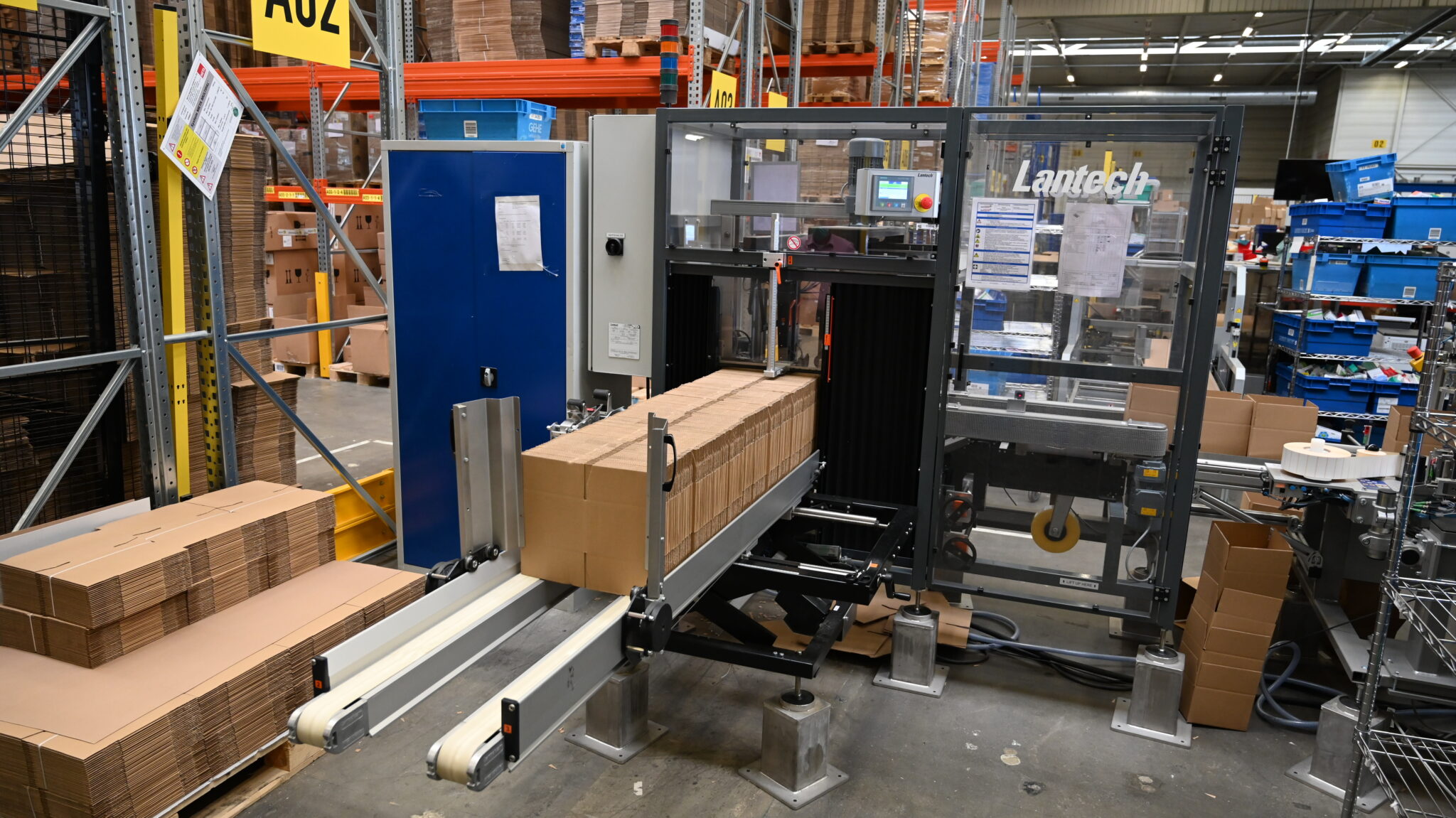
Space requirements vary by model and configuration. In many applications, the footprint of a compact case erector is comparable to or smaller than the footprint created by manual case forming tables, carton storage, and staging combined.The C300 Case Erector is Lantech’s most compact machine, requiring 84 1/4” L x 88” W footprint – one of the most compact machines on the market today.
2. Can a case erector fit into a small warehouse?
Yes. Many case erectors are designed specifically for small and medium facilities. Modular and compact designs allow integration into tight layouts, including U-shaped and L-shaped lines.
3. What layout works best for installing a case erector?
There is no single best layout. Common solutions include:
- L-shaped lines for corner utilization
- U-shaped lines for compact operator movement
- Inline parallel installations for automated environments
The best layout depends on product flow, staffing, and available access points.
4. What benefits does a case erector provide in limited space?
Key benefits include:
- Higher packaging efficiency
- Reduced labor dependency
- Improved safety and material flow
- Predictable case supply to downstream equipment
- Strong ROI per square meter of floor space
5. Are there compact case erector models for small facilities?
Yes. Compact case erectors are widely available for small and mid-sized operations. These machines are designed for fast changeovers, minimal footprint, and simplified user experience.
6. How do you optimize workflow around a case erector?
Workflow is optimized by:
- Placing the erector near the point of case consumption
- Aligning blank storage vertically or directly at the magazine
- Minimizing pedestrian and forklift cross-traffic
- Designing short, direct case transfer paths
7. Does a case erector improve ROI for small production lines?
In most cases, yes. Even smaller lines benefit from:
- Labor savings
- Reduced downtime
- Improved throughput consistency
- Lower packaging variability
ROI depends on volume, shifts, and manual labor rates.
8. Can one case erector serve multiple production lines?
Yes. Modular and mobile case erector configurations allow a single machine to be moved between lines as needed, making automation accessible even for facilities with fluctuating production schedules.